How-to guides
The map and search
Move the map, use Near me, read the pins and cards, and search for a park name or state.
Updated November 20, 2026
The map
The Map tab shows every park with a location. Each pin's badge is the park's best month; its color is how busy the park is this month. The pin and card labels always pair a color with words, so you never have to rely on color alone.
- Pinch and drag to move around.
- Cards along the bottom follow what's in view (up to 25). Swipe them sideways.
- Tap a card or a pin to open that park.
Near me
Tap the arrow button at the top right. The first time, iOS asks to allow your location while you use the app. The map moves to where you are, and cards show the distance in miles. Your location stays on your phone.
Search
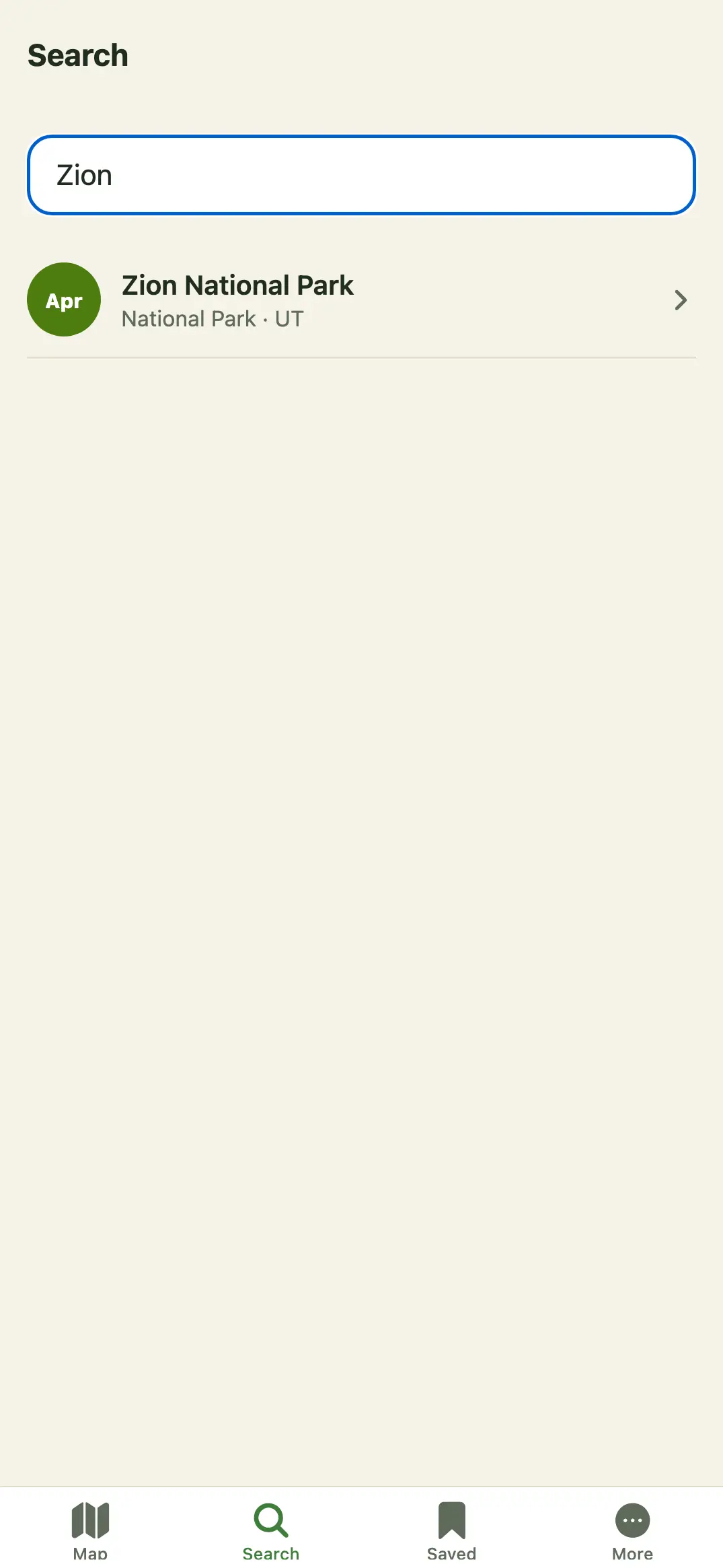
- Tap Search.
- Type a park name or state. Results update as you type; every word you type must match.
- Tap a result to open it.
Searching works offline, because the data is inside the app.