How-to guides
Saved and Compare
Save parks to your iPhone, find them in Saved, and compare up to three side by side with Park Crowds Plus.
Updated November 20, 2026
Save a park
Open it and tap Save. It appears at the top of the Saved tab. Tap Save again on its page to remove it.
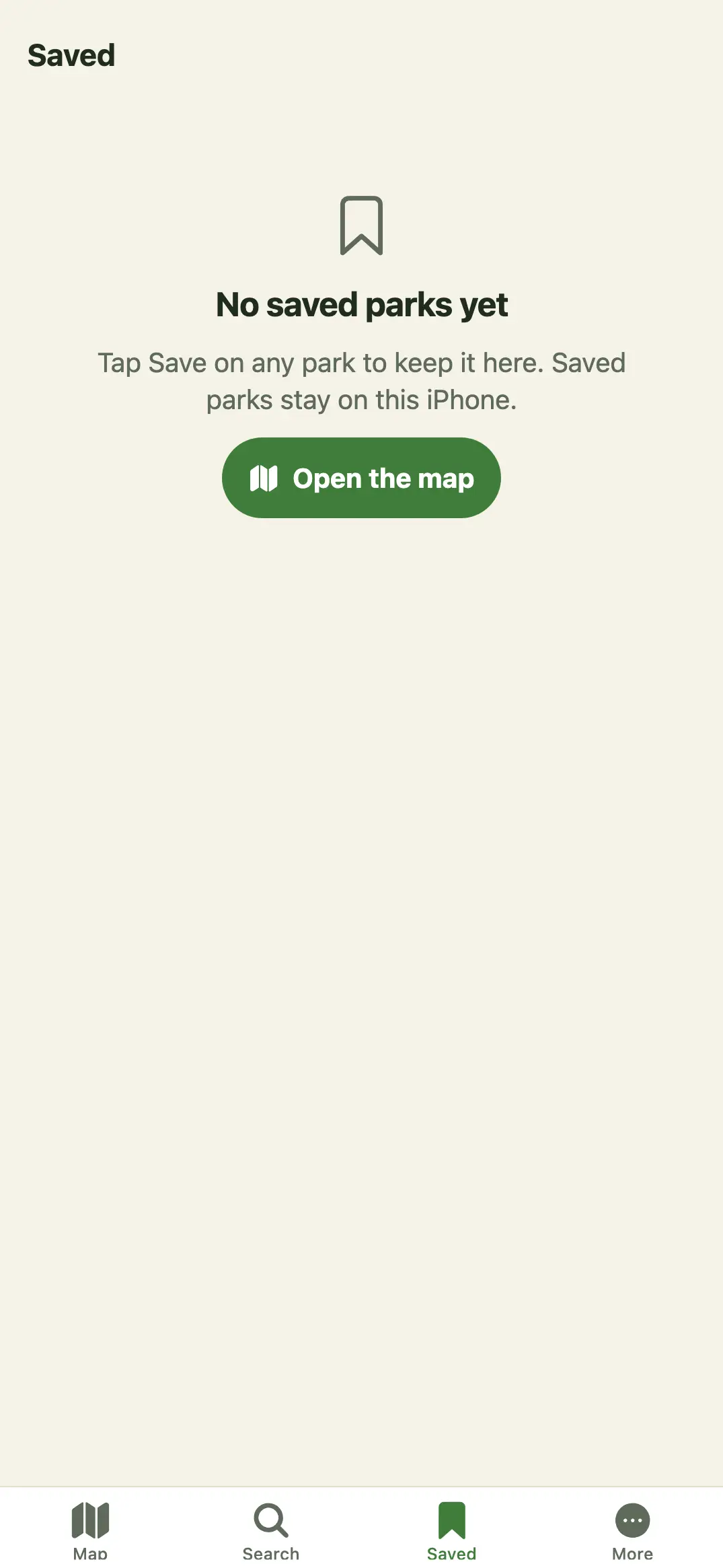
Free keeps five saved parks. Saving a sixth opens the Park Crowds Plus screen; with Plus there's no limit. Saved parks stay on this iPhone; there's no account, so they don't move to another phone.
Compare
- Save at least two parks.
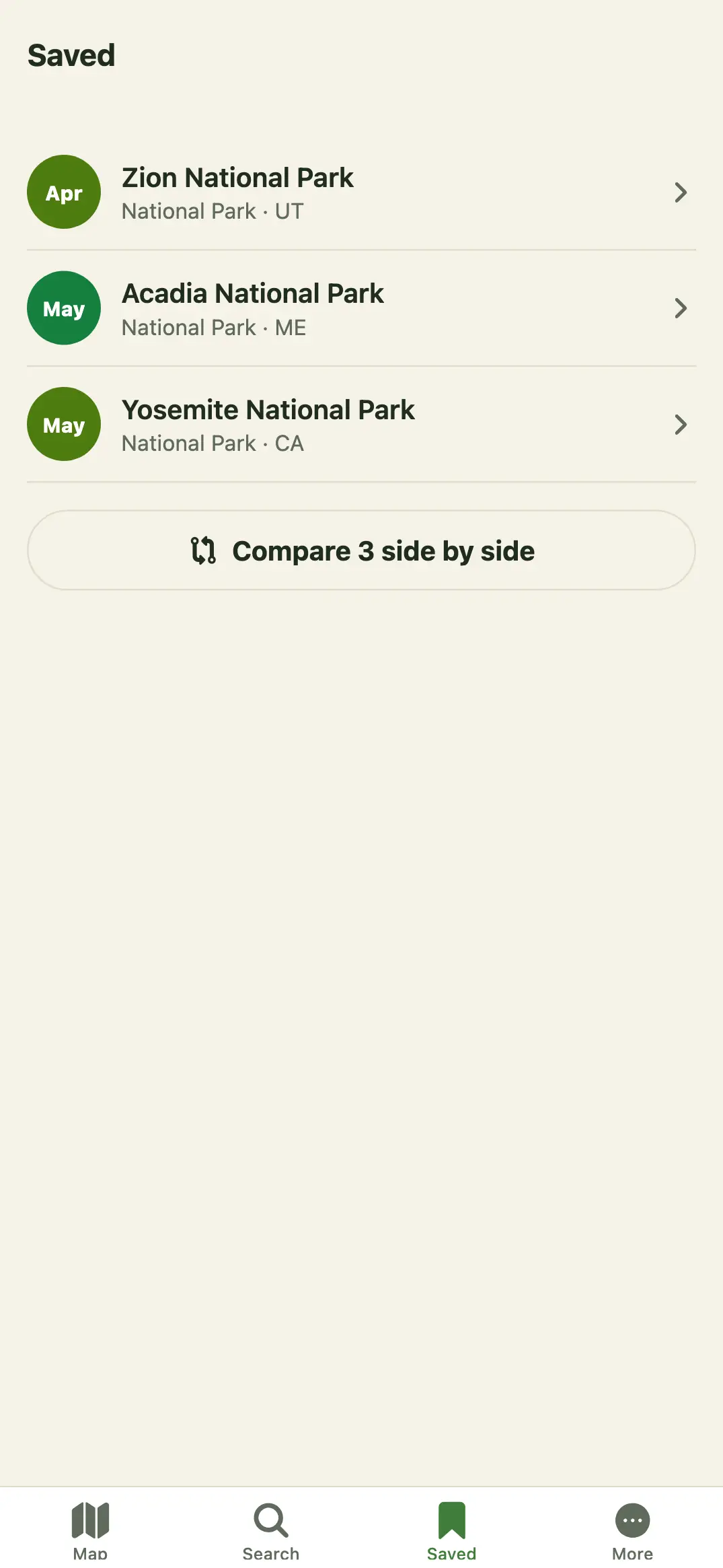
- In Saved, tap Compare … side by side (or More → Compare saved).
- See up to three side by side: Best month, This month, Busiest month and Visits a year.
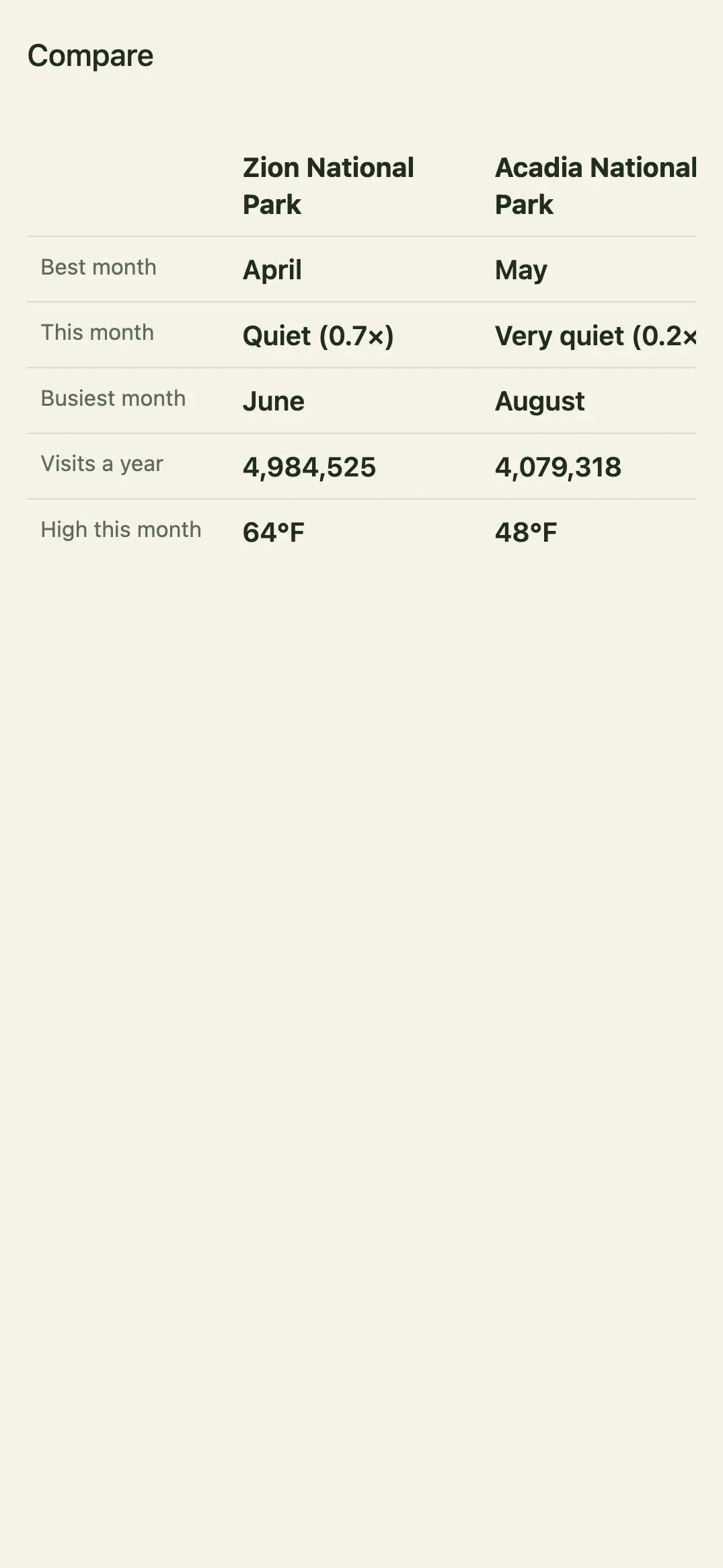
Compare is part of Park Crowds Plus. Without Plus, the button opens the Plus screen. See Park Crowds Plus and billing.